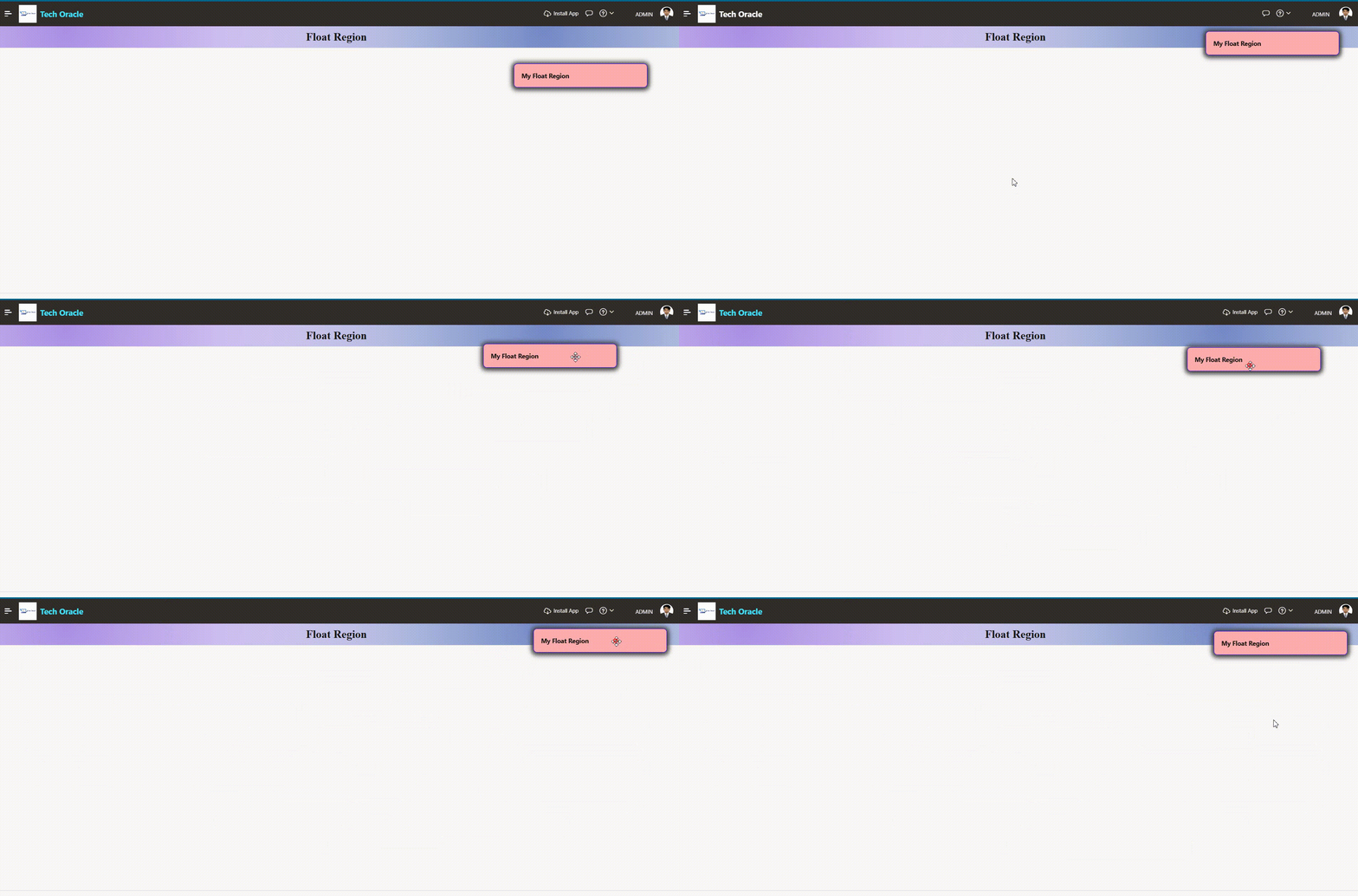
Drag and Drop Float Region On Oracle APEX
Oracle APEX Float Region — fixed positioning, floating toolbars, and responsive layouts using CSS and Universal Theme utilities.
👉 Introduction
When building enterprise applications with Oracle APEX, user experience is just as important as functionality. One powerful technique that greatly enhances the interface is the Float Region.
👉 Why Use Float Regions?
In data-heavy APEX applications — dashboards, reports, and data entry forms — users often need quick access to filters, actions, or navigation controls without scrolling back to the top of the page.
- Improving usability — keeping important controls always visible
- Enhancing page layout — placing related content side by side
- Creating a more professional UI — comparable to modern web applications
👉 Implementation Methods
This is the most common use case — a region that stays in place as the user scrolls through the page.
Steps:
- In Page Designer, select your region and set a Static ID (
floatRegion) - Add the following CSS
  #floatRegion {
      position: fixed;
      top: 5%;
      right: 30%;
      width: 300px;
      z-index: 9999;
      background: #ffadad;
      border: 1px solid #3300ff;
      border-radius: 8px;
      box-shadow: 0 1px 10px 5px #404040;
      cursor: move;
  }
🎬 Demo Video